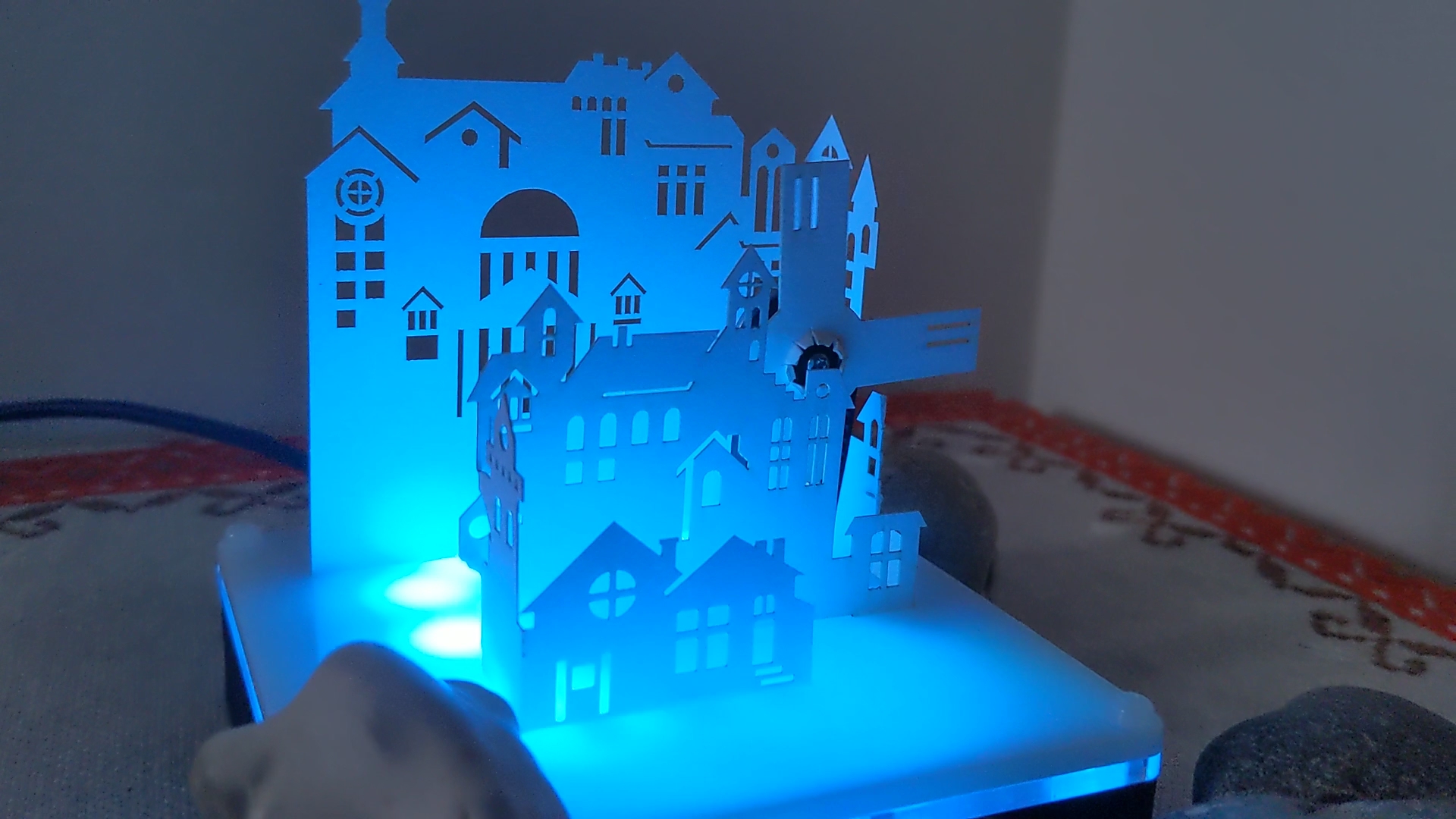
Paper City Windmill is a creative robotics project designed especially for children aged 8-11, combining hands-on crafting with intuitive block-based programming using RobiumCode. During the camp, students build a small paper city featuring a central windmill that brings the whole scene to life.
The windmill’s shaft is driven by a DC motor through a belt transmission, clearly demonstrating how rotational motion can be transferred and controlled. The motor is powered via a DRV8833 motor driver and controlled by a Lolin (ESP-based) board, giving children real exposure to embedded electronics in a safe and approachable way. The city is enhanced with an LED strip that illuminates buildings and streets, turning the paper model into a lively, glowing miniature world.
Children assemble all mechanical and electronic parts themselves - constructing the city, mounting the motor, fitting the belt, and wiring the LEDs. Using RobiumCode, they program the motor speed and direction and design colorful LED patterns. The project blends engineering, coding, and storytelling, and at the end of the camp, each child takes their interactive paper city home.
That is take home project!
The Camp Dates and Time
4 days, from 30 Mar'26 - 02 Apr’26
Start at 9.00 until 12.10
Age: from 8 years old (to 11)
Location
Richmond and Hillcroft Adult Community College.
Parkshot, Richmond TW9 2RE
The closest parking at the Old Deer Park (Extension).