
Plotter Lab. The Morning Set
VAT inc
Available for: 8+ years old
5 days, from 3 Aug'26 - 7 Aug’26
Start at 9.00 until 12.00
Plotter Lab is a hands-on robotics and creative technology project where pupils build and program a small drawing machine.
The plotter uses an Arduino Nano, three stepper motors, simple motor driver boards and a pen-lifting mechanism to draw shapes on paper. Pupils explore how a computer drawing can become real movement by controlling the X, Y and pen-up/pen-down actions of the machine.
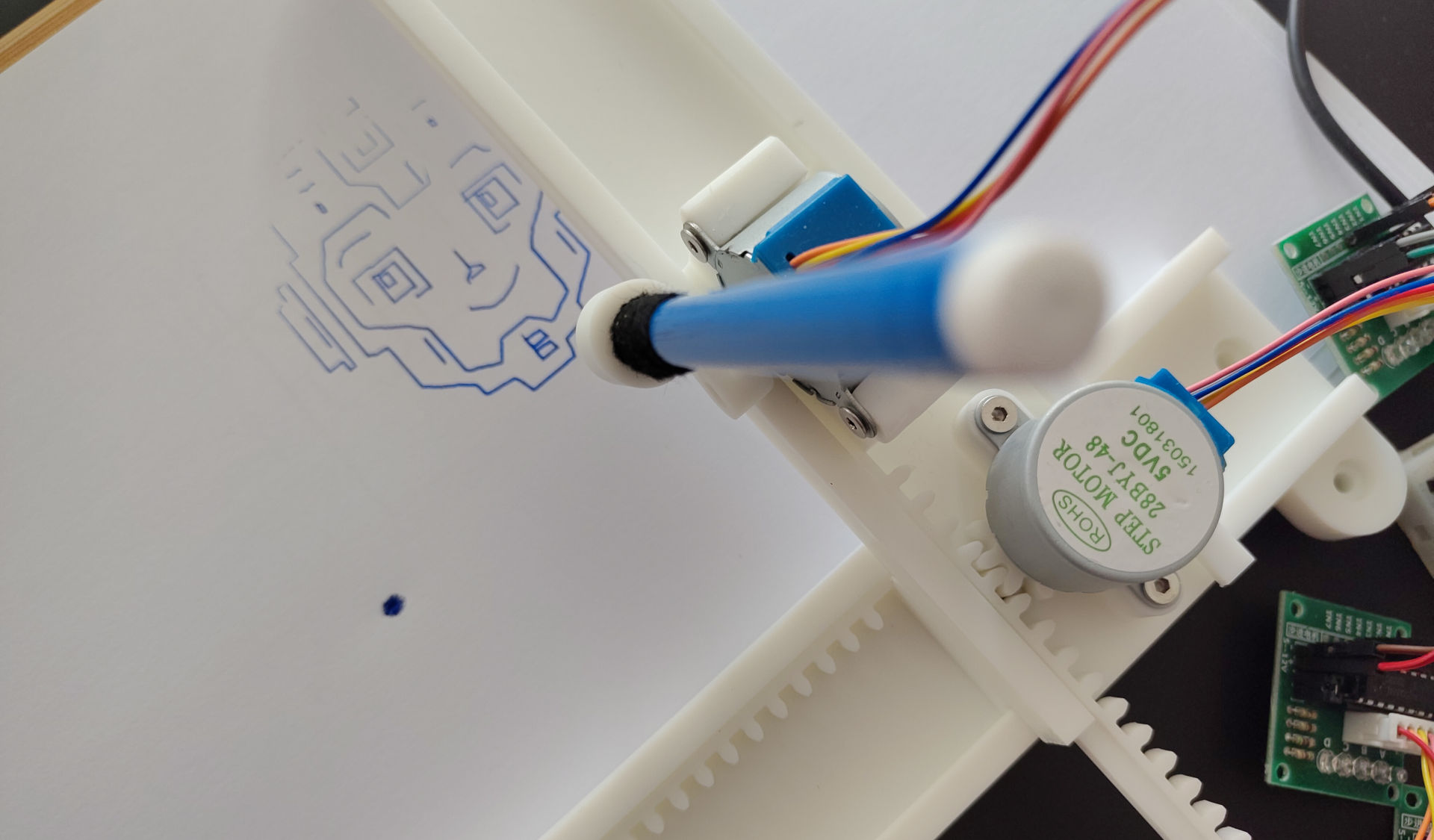
In this group, pupils use RobiumCode block programming to understand the logic behind movement commands. They learn how motors move the drawing head step by step, how simple instructions can create lines and shapes, and how changing values in the program affects the final drawing. The project combines electronics, robotics, programming and creativity, giving pupils a clear visual result from their code.
That is take home project!
The Camp Dates and Time
5 days, from 3 Aug'26 - 7 Aug’26
Start at 9.00 until 12.00
Age: from 8 years old (to 11)
Location
Richmond and Hillcroft Adult Community College.
Parkshot, Richmond TW9 2RE
The closest parking at the Old Deer Park (Extension).
Learning outcomes
- Understand how a drawing robot works
Pupils learn that a plotter moves a pen across paper using motors and simple movement commands.
- Identify the main electronic components
Pupils recognise the Arduino Nano, stepper motors, motor drivers, power connections and the pen mechanism.
- Build and test a simple robotic system
Pupils connect the main parts of the plotter and test how each axis moves.
- Use block programming to control movement
Pupils create simple programs in RobiumCode to move the plotter left, right, forward, backward and control the pen.
- Create basic drawings with code
Pupils use sequences of movement commands to draw simple shapes such as squares, lines and patterns.
- Develop problem-solving and debugging skills
Pupils observe the machine’s behaviour, find mistakes in wiring or logic, and improve their program step by step.
There are some requirements exist for the course:
1. You must be confident in using a computer, keyboard and mouse. At the good user level.
2. Know how we save files on a computer, what a file and folders are, etc.
3. Be able to switch between windows in the operating system. Use the keys’ shortcuts.
4. No previous experience with 3D modeling is required
5. No previous experience Robotics is required.